Customize the Terms of Service Link
This applies to: Visual Data Discovery
The terms of service link appears on the About box.
To customize the terms of service link:
-
Log in as a supervisor user.
 The default supervisor user is no longer installed; add users to the Supervisors group instead.
 -
-
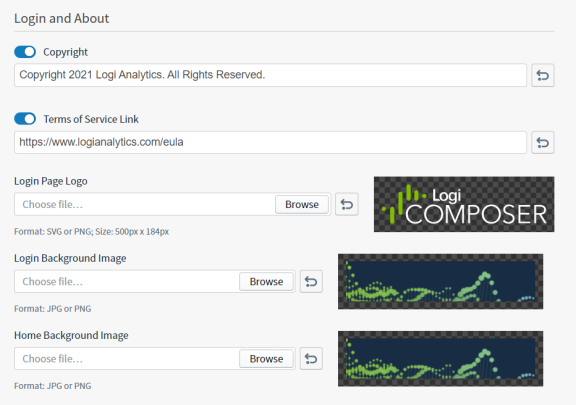
Under Login and About , locate the Terms of Service Link slider and box. To enable your custom link, slide the Terms of Service Link slider to the right (on). To disable your custom link, slide the Terms of Service Link slider to the left (off). By default the Terms of Service Link slider is on.
-
In the box below the Terms of Service Link slider, specify your custom terms of service link. By default, the link is
https://www.logianalytics.com/eula. -
Select Save to save and apply your changes.