Customize the About and Login Screen Logo
This applies to: Visual Data Discovery
The logo appears on both the About box and the Login screen.
To customize the About and Login screen logos:
-
Log in as a supervisor user.
 The default supervisor user is no longer installed; add users to the Supervisors group instead.
 -
-
Under Login and About , locate the Login Page Logo box. Select Browse to browse for and select a new logo. The logo must be in
.svgor.pngformat with a transparent background. In addition, it must be 500 pixels wide and 184 pixels high.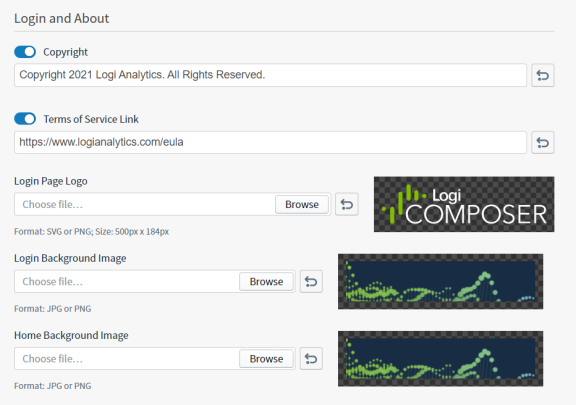
The selected logo is rendered on the Customize UI page after it is selected.
-
Select Save to save and apply your changes.